4. Replicate exact stimulus#
Sometimes, you want to have an exact copy
of some existing stimulus.
Since stimupys functions are highly parameterizable,
lots of variants of a stimulus can be created,
and thus specific existing parameterizations can be recreated.
For a large selection of the generic stimupy.stimuli,
there are specific parameterizations in the published literature.
In order to make it easier for the community to access and work with these stimuli,
we have re-implemented some existing stimulus sets in stimupy,
under the corresponding stimupy.papers.
Show code cell content
import matplotlib.pyplot as plt
from stimupy.utils import plot_stim
from stimupy.papers import RHS2007

stim = RHS2007.WE_thick()

plot_stim(stim)
plt.show()
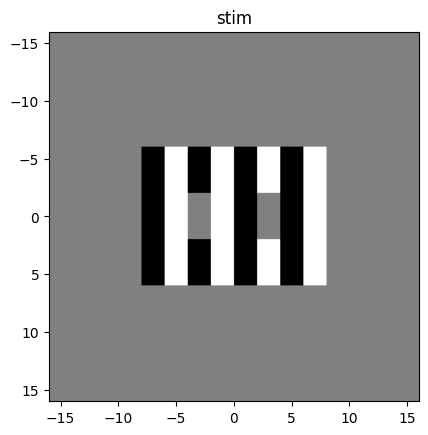
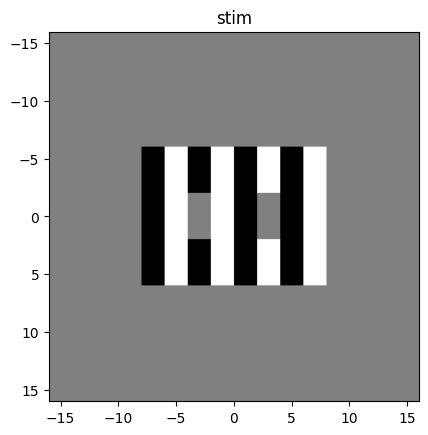
Note that without any input arguments, this will create the pixel-exact image as described in the original source.
4.1. Adjusting resolution#
The default version of the stimulus
may not be the right aspect ratio or resolution for your use.
For example, the RHS2007 stimuli
are 32x32 degrees, at 32 pixels-per-degree, resulting in 1024x1024 pixels.
However, lets say your observer is seated at a distance that gives 24 pixels-per-degree.
These resolution parameters can be changed for the paper stimuli, keep the visual elements at the same visual size.
Only these resolution parameters can be changed;
the user cannot redefine the sizes of the visual elements.
stim = RHS2007.WE_thick(ppd=24)

plot_stim(stim)
plt.show()