cross#
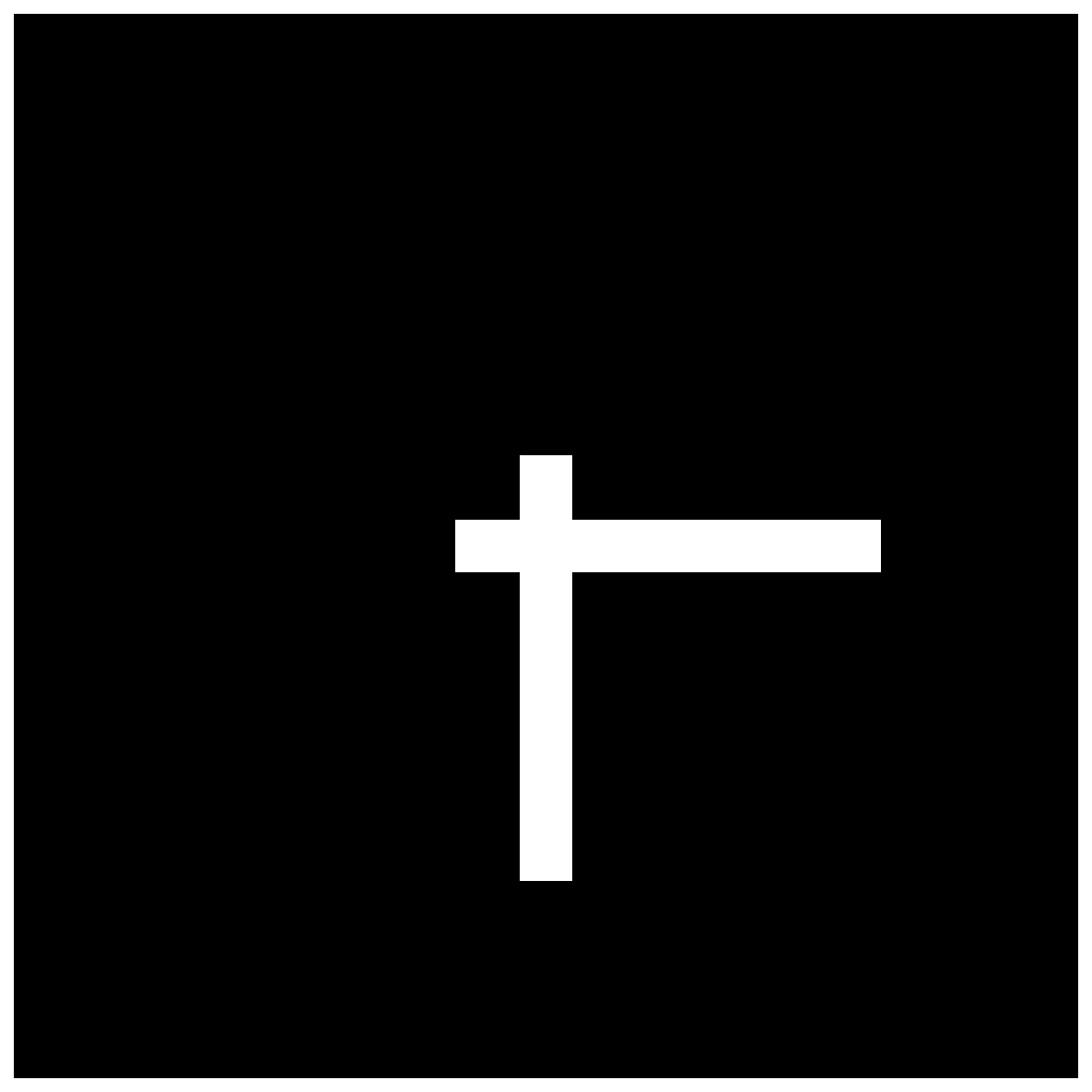
You can find an interactive version of this example here
- stimupy.components.shapes.cross(visual_size=None, ppd=None, shape=None, cross_size=None, cross_thickness=None, cross_arm_ratios=(1.0, 1.0), intensity_cross=1.0, intensity_background=0.0, rotation=0.0)#
Draw a cross
- Parameters:
visual_size (Sequence[Number, Number], Number, or None (default)) – visual size [height, width] of image, in degrees visual angle
ppd (Sequence[Number, Number], Number, or None (default)) – pixels per degree [vertical, horizontal]
shape (Sequence[Number, Number], Number, or None (default)) – shape [height, width] of image, in pixels
cross_size (Number, Sequence[Number, Number]) – cross size [height, width], in degrees visual angle
cross_thickness (Number, Sequence[Number, Number]) – thickness of cross in degrees visual angle
cross_arm_ratios (float or (float, float)) – ratio used to create arms (up-down, left-right)
intensity_cross (float, optional) – intensity value for cross, by default 1.0
intensity_background (float, optional) – intensity value of background, by default 0.0
rotation (float, optional) – rotation (in degrees), counterclockwise, by default 0.0
- Returns:
dict with the stimulus (key: “img”), mask with integer index for the shape (key: “cross_mask”), and additional keys containing stimulus parameters
- Return type: