How stimupy is organized#
High-level submodules#
The stimupy library is organized into several high-level submodules,
each reflecting a different aspect of visual stimulus generation.
These include:
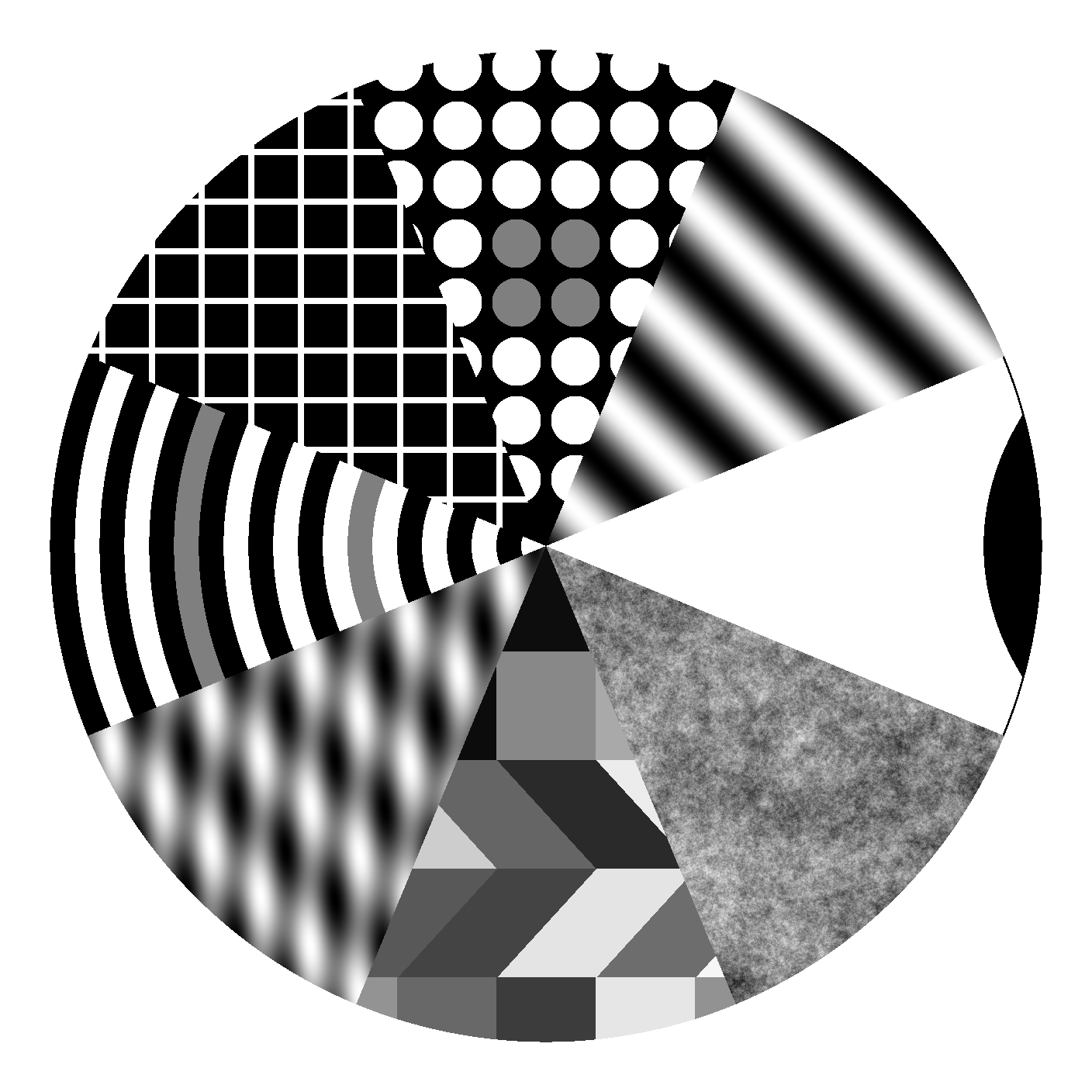
Components — basic building blocks such as geometric shapes, gratings, Gaussians, and lines
Noises — noise textures like binary, white, pink, brown, and narrowband noise
Stimuli — complete visual stimuli such as Gabors, plaids, Mondrians, and various visual illusions (e.g., Simultaneous Brightness Contrast, White’s illusion, Hermann grid, Ponzo illusion)
Papers — published stimulus sets which are exact replications of stimuli described in specific papers (e.g., ModelFest)
Utils — a variety of utility functions for stimulus import/export, manipulation (e.g., contrast, size, padding), exploration of parameter spaces, plotting, etc
You can import entire submodules via, e.g.:
from stimupy import stimuli
Low-level submodules (sub-submodules)#
stimupy is further subdivided into many lower-level submodules.
The structure of these submodules reflects scientific conventions and conceptual similarities
rather than strict software engineering practices.
This means that stimuli are grouped with others that look similar or are conceptually related,
even if they don’t share underlying code (although these two criteria can overlap, of course).
All submodule names are pluralized –
for example, sbcs for Simultaneous Brightness ContrastS,
and cubes for cube illusions.
This naming avoids namespace conflicts:
from stimupy.stimuli import cubesrefers to thecubessubmodule ofstimulifrom stimupy.stimuli.cubes import cuberefers to a specific function of the sub-submodulecubes
Pluralized names also hint that a given category may contain multiple variations or implementations.
Multiple Approaches to the Same Stimulus#
All roads lead to Rome, and many ways lead to the same stimulus.
Many stimupy stimuli can be constructed in more than one way,
reflecting different visual or geometric interpretations.
For example, the Todorovic Illusion can be seen either as:
a rectangle occluded by covers (
todorovics.rectangle), ora cross-shaped target with adjacent squares (
todorovics.cross)
For some parameters, these two views may produce visually identical images. However, when parameters change, their behaviors diverge – demonstrating how interpretation shapes construction.
For more detail, see Exploring parameterized stimuli.
To explore how different functions behave, we recommend trying the interactive demos.
The philosophy behind components vs. stimuli#
You might ask: What’s the difference between a component and a stimulus?
Truthfully, the line is not always clear.
Conceptually, every component could be used as a stimulus, and vice versa.
However, the distinction reflects a guiding principle of stimupys modularity:
componentscan be considered as atomic elements – reusable functions that serve as building blocks across many different stimulus functionsstimuliare typically higher-level constructs, often featuring target regions and providingtarget_masksfor region-specific analysis or manipulation
This modular structure allows for easy addition of entirely new stimulus functions or stimulus variations.
But do not worry. If this differentiation is not useful to you,
all components are also imported directly via the stimuli namespace, such that:
from stimupy.stimuli import ponzos, shapes
This flexibility supports both modular use and simplified workflows.