Interactive Demos#
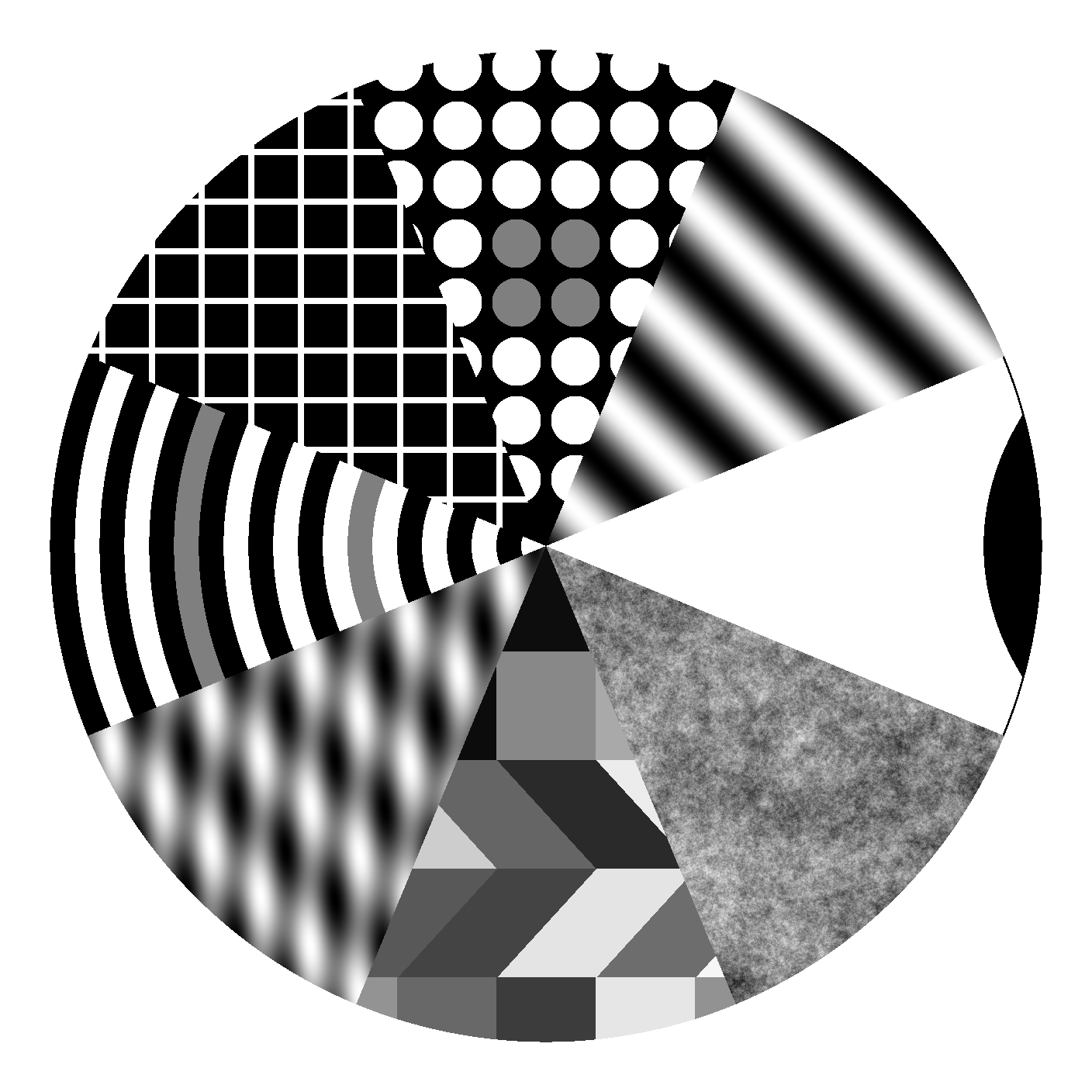
Welcome to the interactive demonstrations for stimupy! These demos provide hands-on exploration of the various stimulus generation functions available in the library.
Attention
To run these interactive demos locally, you need:
A Jupyter Notebook environment
The Panel extension
Categories#
Components#
Basic building blocks for creating more complex stimuli.
Module |
Description |
|---|---|
Angular patterns and segments |
|
Edge detection and step functions |
|
Frame and border components |
|
Gaussian distributions and filters |
|
Various line patterns |
|
Radial patterns (discs, annuli, rings) |
|
Basic geometric shapes |
|
Text rendering components |
|
Wave patterns (sine, square, bessel, etc.) |
Stimuli#
Complete visual stimuli for perceptual experiments.
Module |
Description |
|---|---|
Benary cross illusions |
|
Bullseye patterns |
|
Checkerboard patterns |
|
Cornsweet edge illusions |
|
3D cube illusions |
|
Delboeuf size illusions |
|
Dungeon illusions |
|
Various edge stimuli |
|
Gabor patches |
|
Grating patterns |
|
Hermann grid illusions |
|
Mondrian patterns |
|
Müller-Lyer illusions |
|
Pinwheel patterns |
|
Plaid patterns |
|
Ponzo illusions |
|
Ring patterns |
|
Simultaneous brightness contrast |
|
Todorovic illusions |
|
Wave-based stimuli |
|
Wedding cake illusions |
|
White’s illusions |
Noises#
Various noise patterns and textures.
Module |
Description |
|---|---|
Binary noise patterns |
|
Narrowband noise |
|
Natural noise patterns (pink, brown, 1/f) |
|
White noise patterns |
Getting Started#
Browse by category: Start with the category that interests you most
Explore modules: Each module contains multiple related functions
Try the demos: Each function has an interactive demonstration
Experiment: Adjust parameters to see how they affect the output
Learn: Use the generated code in your own projects
These demos are designed to help you understand how each function works and how different parameters affect the resulting stimuli.